
Give your AI
taste.
Connect BetterDesign to the AI you build with.It finds the right screens, reads their design.md, and builds from them.



 Claude, Cursor, Codex and ChatGPT
 BetterDesignWaiting for a search
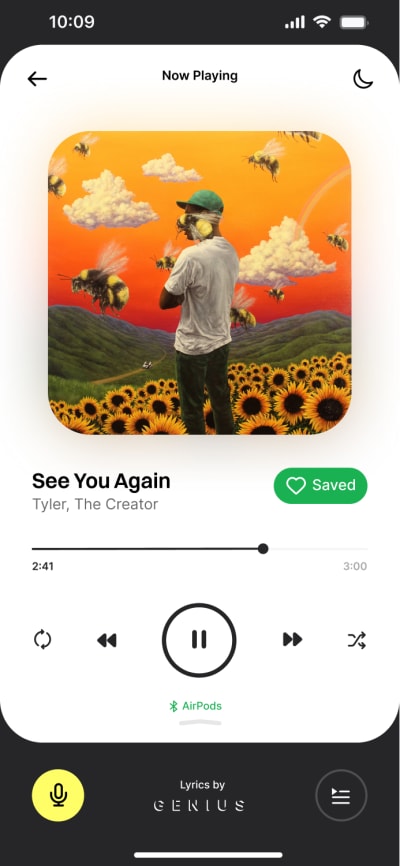
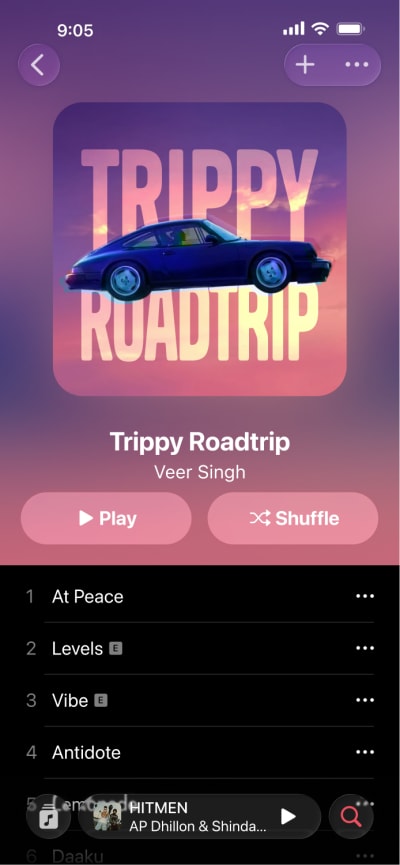
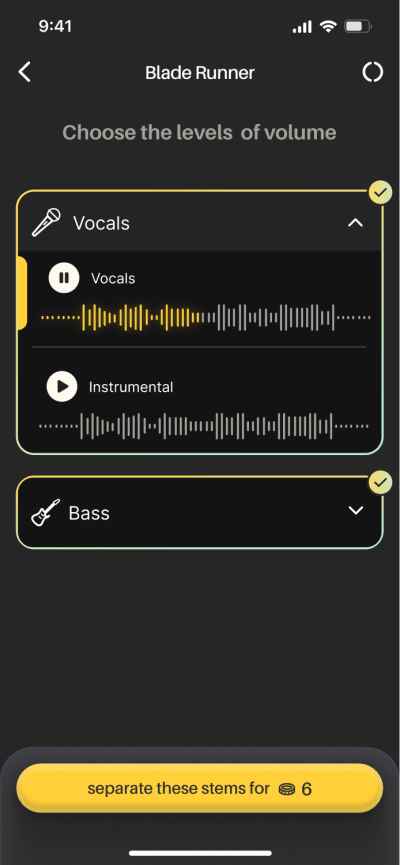
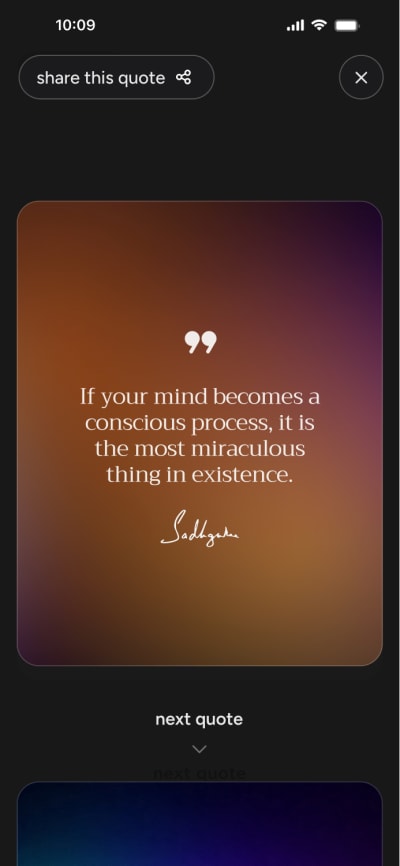
Ask. Find. Build.
Connect once. Then just ask.
betterdesignconnectedAsk in plain words.
It finds the right screen.
It builds from the design.md. You keep the taste.
What your AI gets.
The picture, and the rules behind it.
The screen.
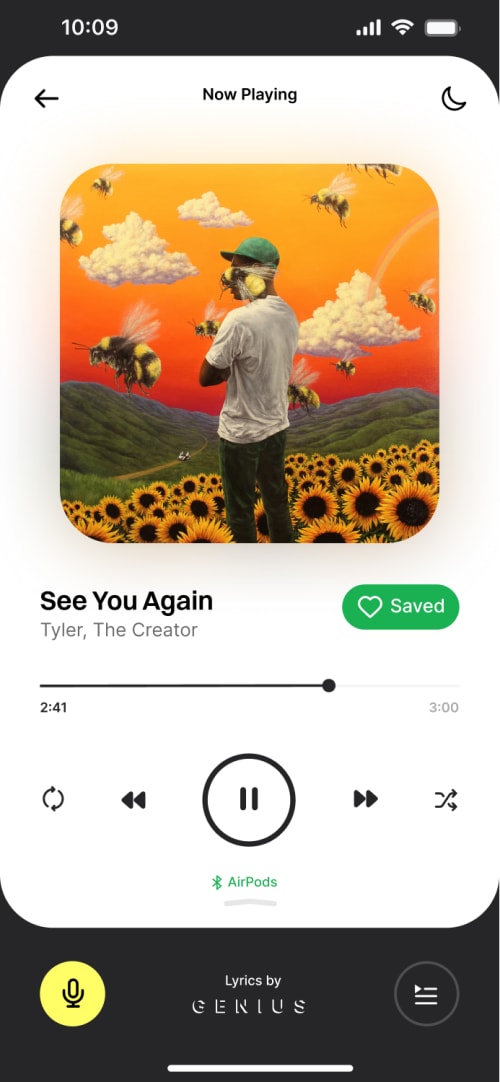
Your AI sees the screen it picked. Not a description of it.
The design.md.
The rules of the project: colours, type, spacing, components.
The flow.
Screens in order, so every step belongs.
The details.
Pattern, platform, colours and fonts. Already tagged.
Ask in plain words.
Copy a prompt. Paste it into your AI.
One credit. One screen.
The same credits as Copy to Figma. Searching never costs a thing.
Search
Free
Your AI searches the library and sees previews.
Use a screen
1 credit
The full screen, its project's design.md and its details.
Use it again
Free
A screen you have used stays yours. No second charge.
Set it up once.
Use it everywhere.
Pick your tool. Add one URL. Sign in once. No API keys.
- 1
Add BetterDesign in your terminal.
Terminalclaude mcp add --transport http betterdesign https://betterdesign.ai/api/mcp - 2
Run /mcp in Claude Code, pick betterdesign and choose Authenticate.
Your browser opens. Sign in to BetterDesign and allow access.
- 3
Ask.
“Build the onboarding flow for this app. Use BetterDesign for the visual direction.”
Questions.
Answered.
Quick answers about the MCP, the credits and the tools it works with.
A connection between your AI tool and the BetterDesign library. Your AI can search the screens, see them, and read the design.md behind them. Then it builds with them.
Claude Code, Cursor, Codex, Claude and ChatGPT. v0 and Lovable are next. Any tool that connects to a remote MCP server works too.
No. BetterDesign runs as a hosted MCP server. The first time your AI connects, you sign in with your BetterDesign account and allow access. Nothing to copy, nothing to rotate.
The screen as an image, the design.md of the project it belongs to (colours, type, spacing, components), and its details: pattern, platform and where it sits in its flow.
Searching is free. Using a screen costs one credit, the same credit as a Copy to Figma. Using that screen again costs nothing.
It takes the direction from the screen and the exact values from the design.md, then builds in your own stack. Close to the design, shaped for your product. You bring the taste.
Yes. Every screen you can browse on BetterDesign, your AI can find.
No. Your AI sends a search and gets screens back. Your files stay where they are.
Copy to Figma stays in the plugin. The MCP is for the AI tools you build with.


