


Copy. Paste.

1000+ production-ready screens with editable layers.Copy them straight into Figma.
Browse. Copy. Done.
More than 1,000 screens, and counting.
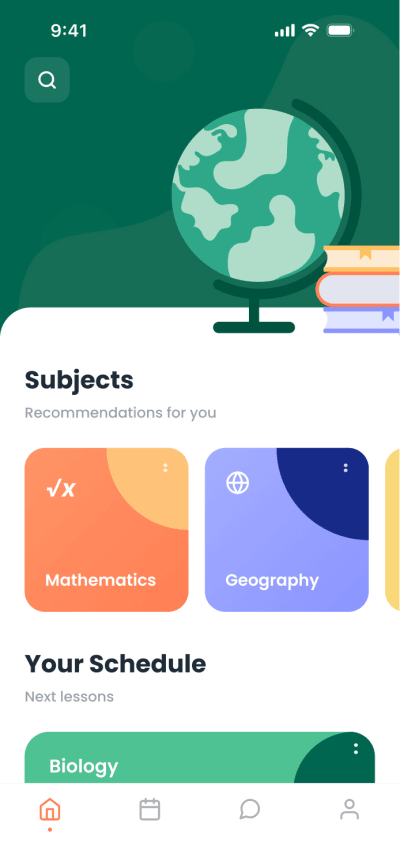

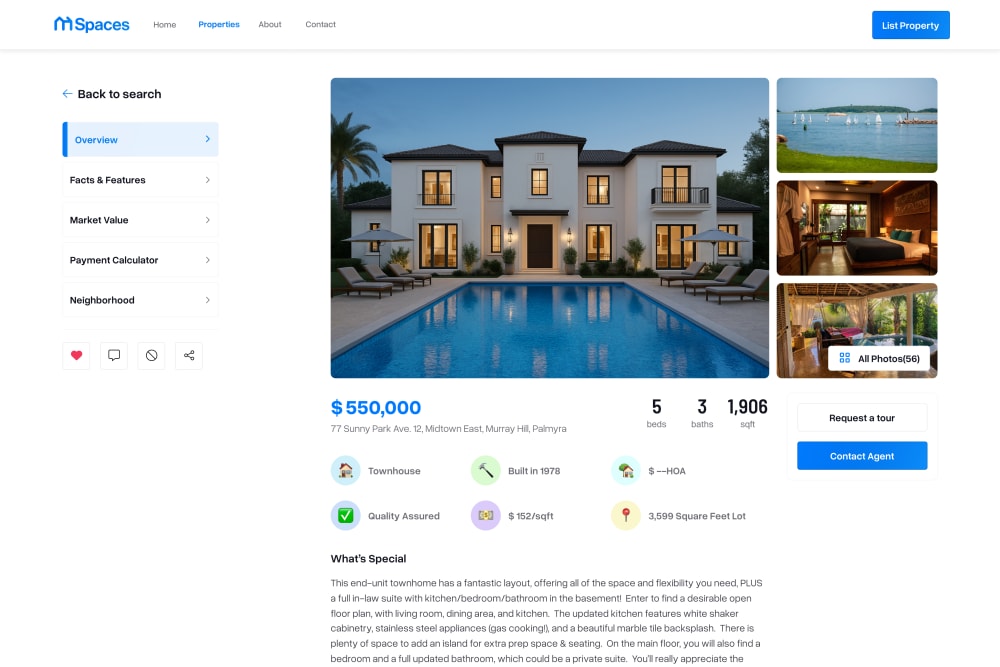
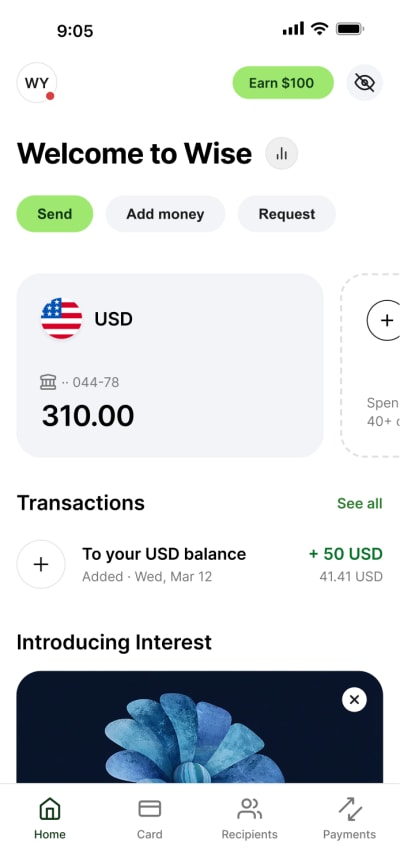
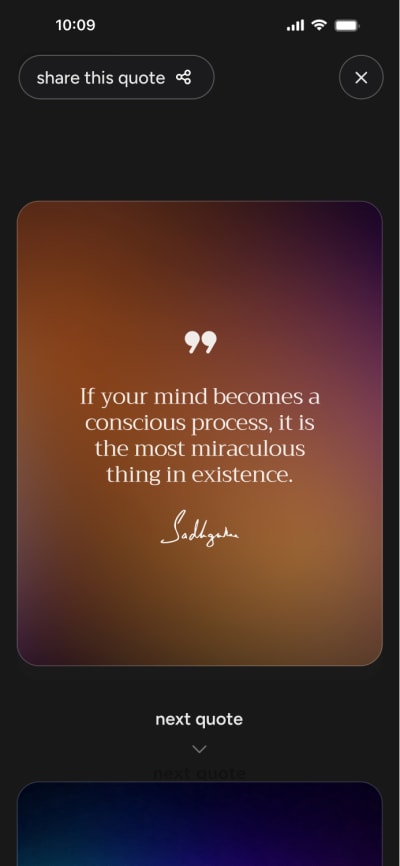
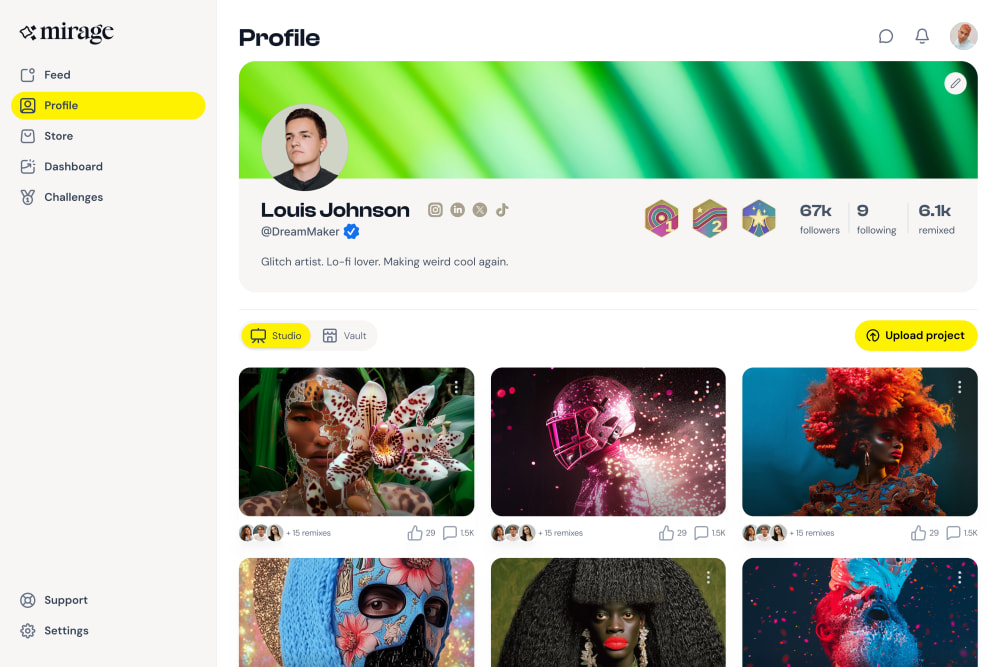
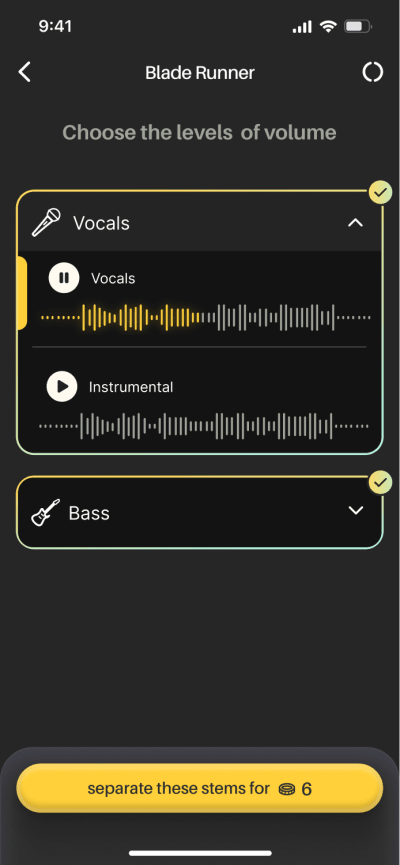
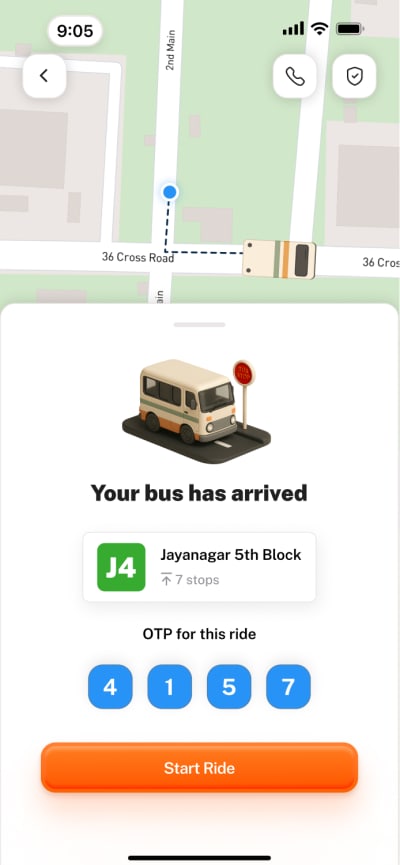
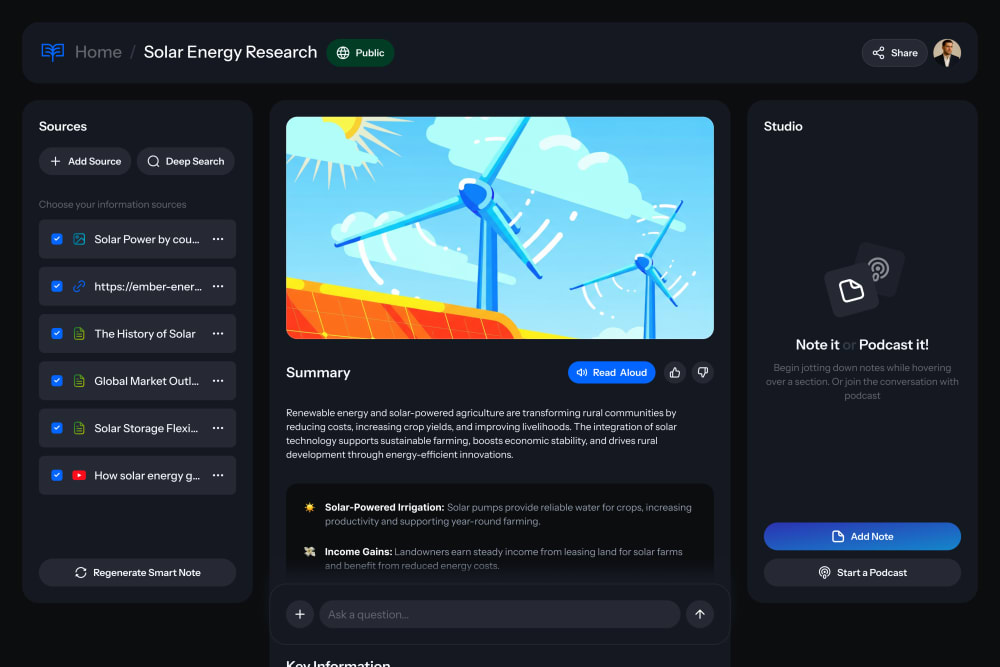
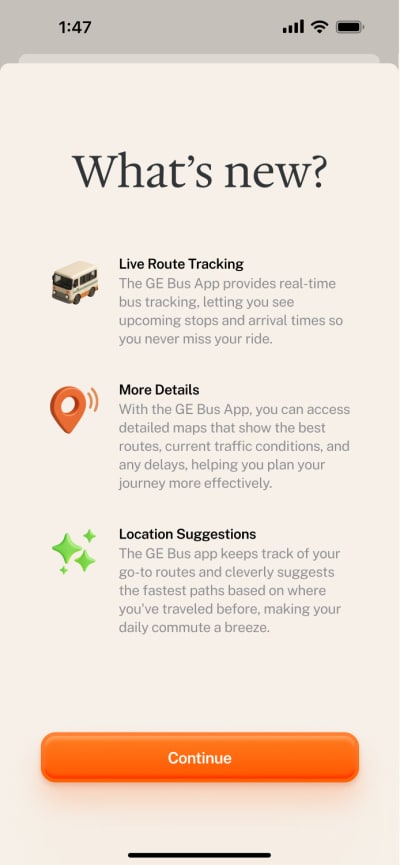
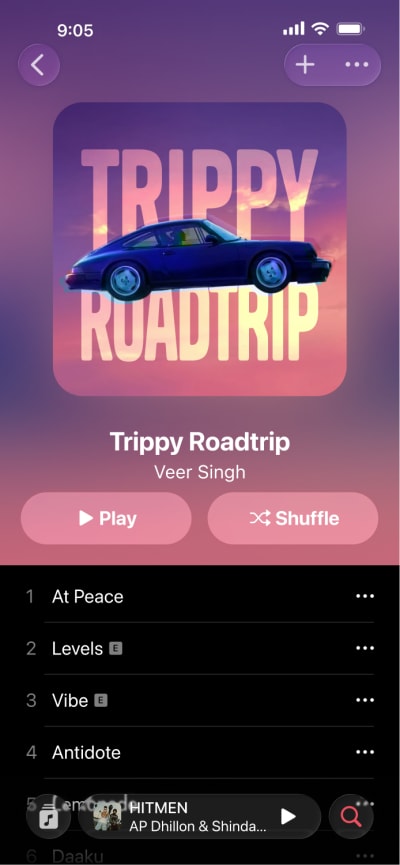
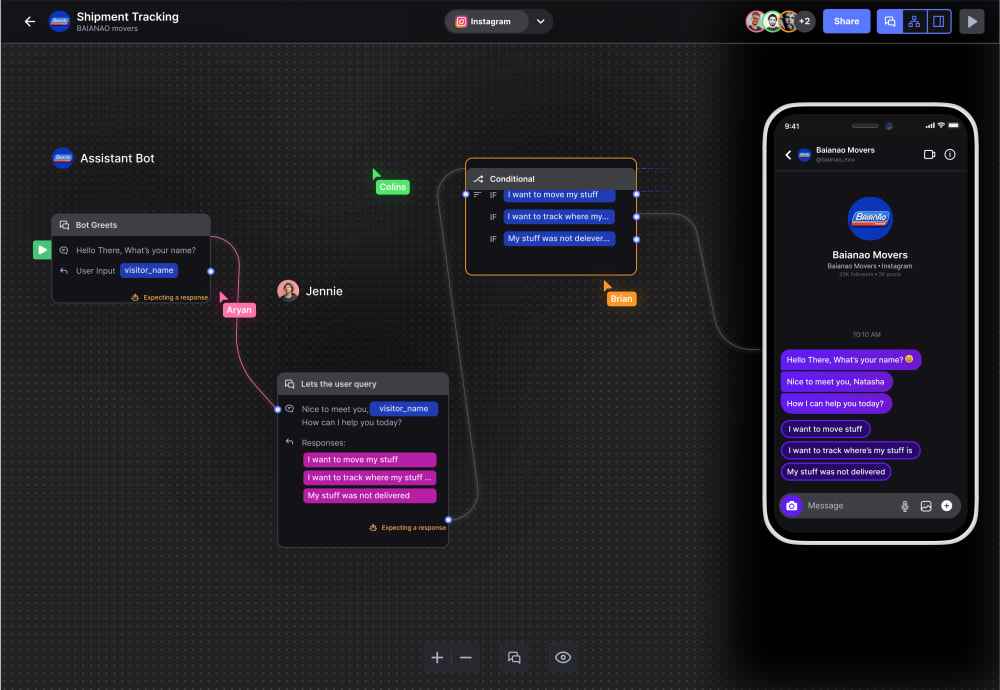
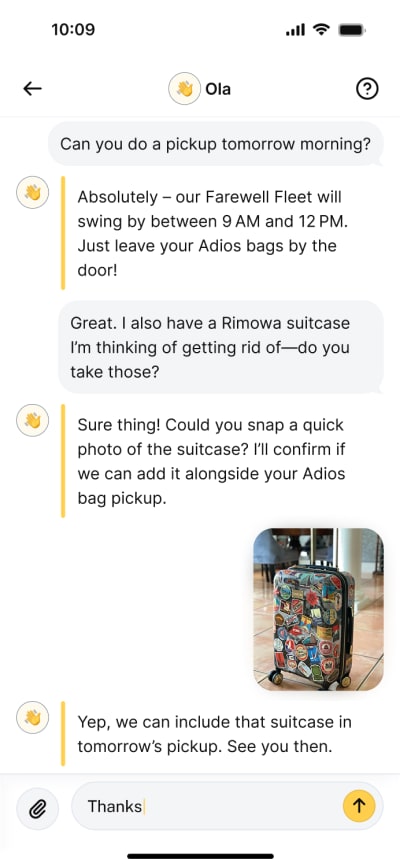
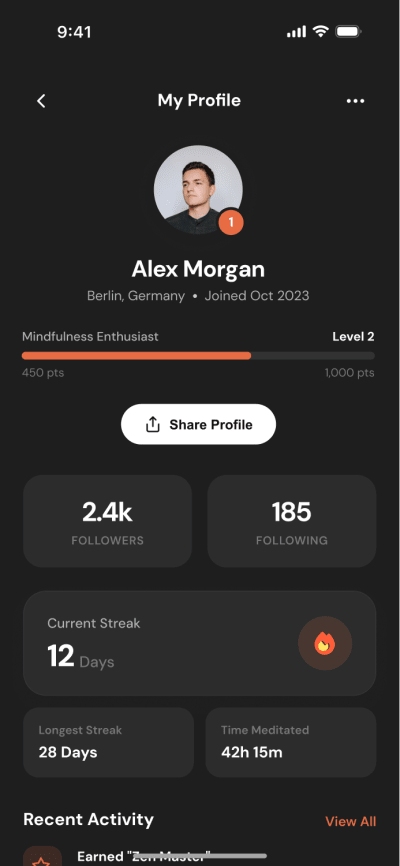
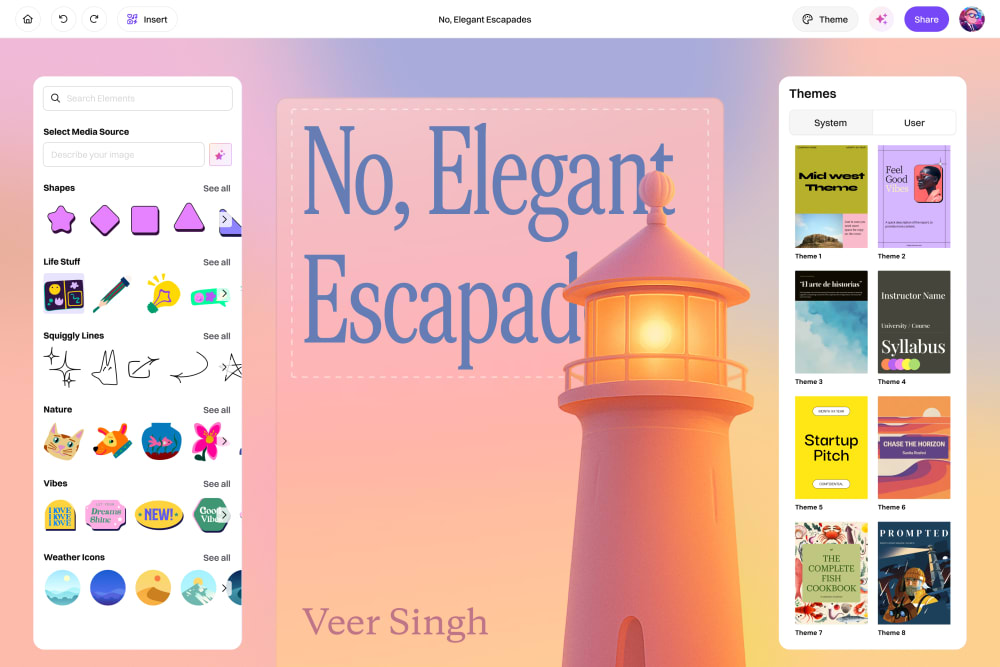
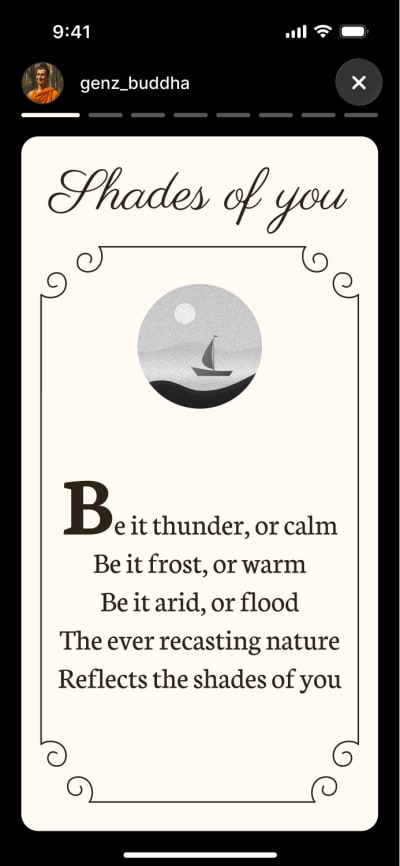
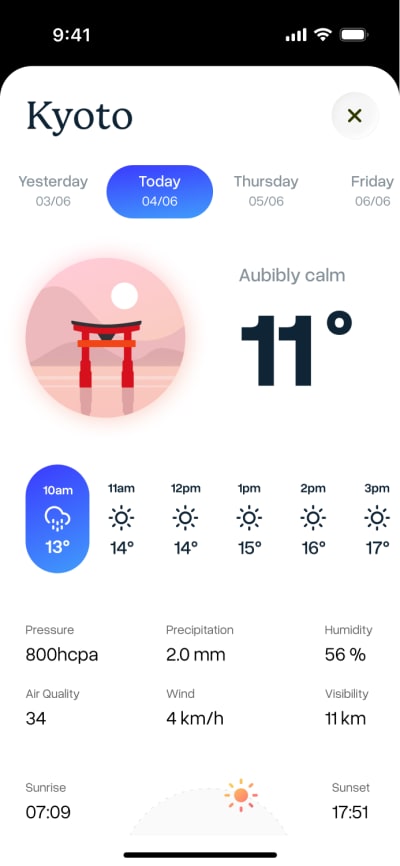
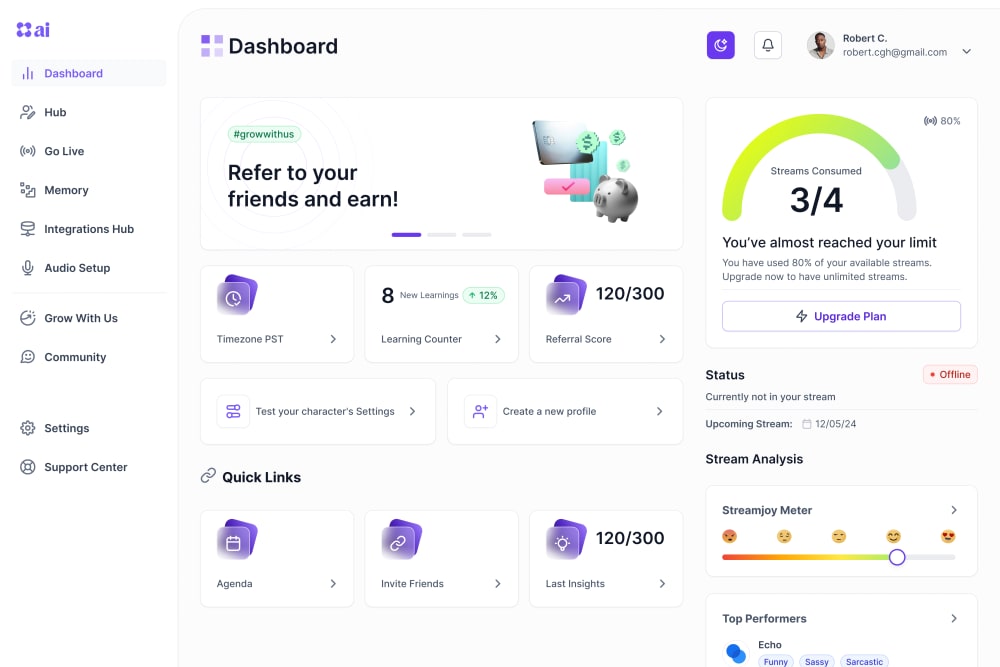
Don't rebuild it.
Paste it into
Then make it yours, or ask AI to take it further.


Choose it.

Paste it.
Add a race results screen that matches Home.
 Studying your design system…
Build on it. You bring the taste. AI brings the speed.
Yours to edit.
Not a template. Not a screenshot.
Layers, not images.
Every screen arrives as editable Figma layers.
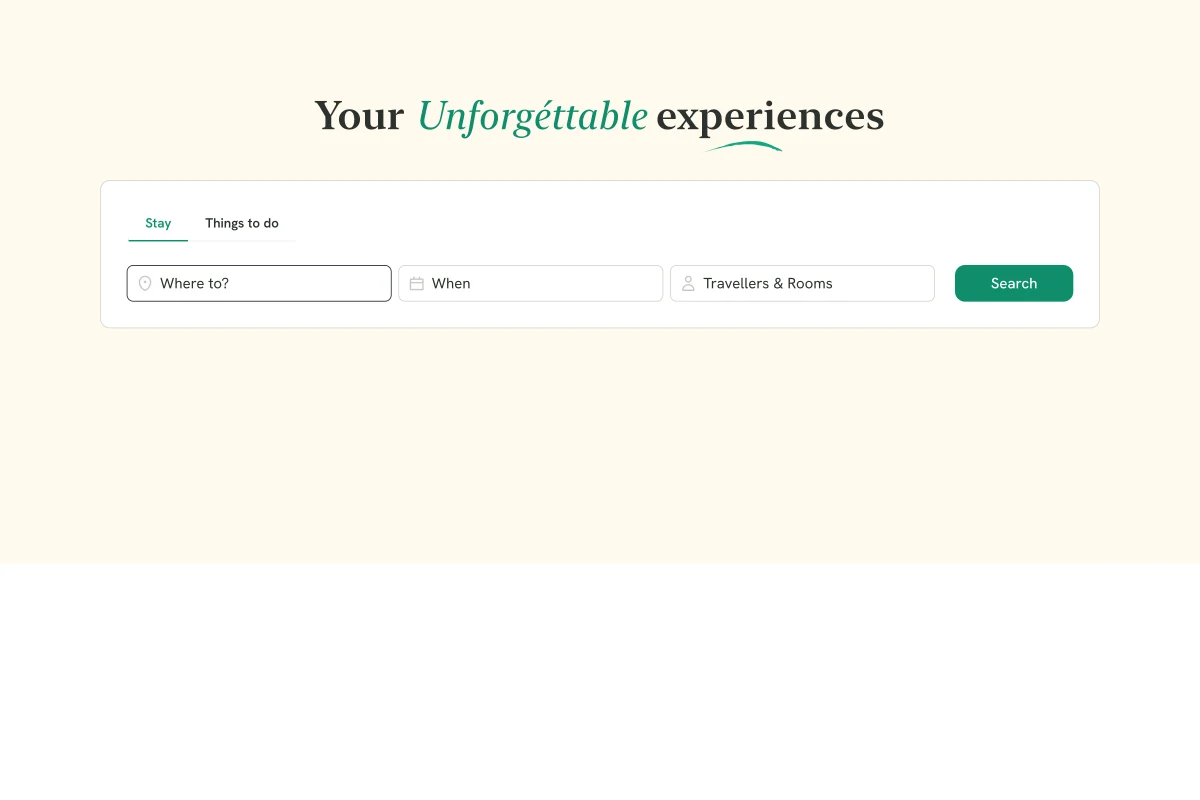

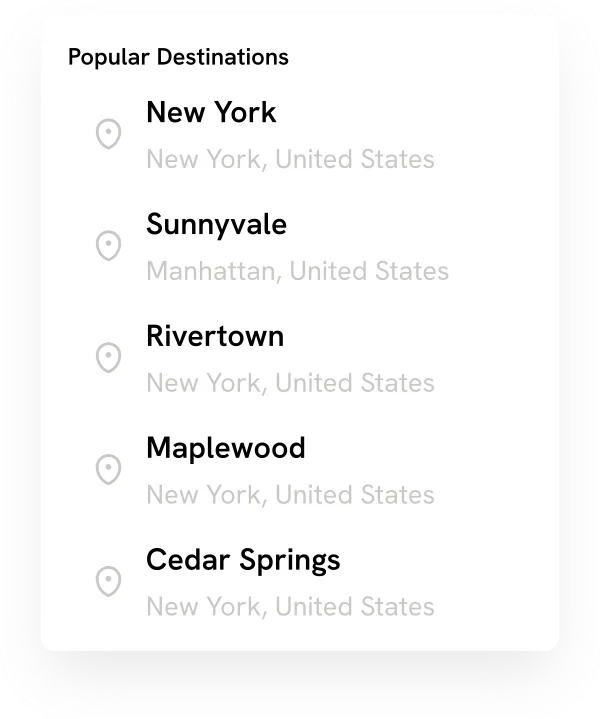


Make it yours.
Your colors. Your type. Change one thing and everything follows.
Every screen, one place. Pick up right where you left off.
Every frame, named.
Swap any component for your own.
Design with AI.
Every screen carries a design.md. Drop it into any AI and it reads the structure. You keep the taste.
Build the settings screen from this.

 Claude
Take it all. Or just a piece.
A full screen, or a single component.
Made by people. Made for AI.
AI is fast. It lacks taste and structure. Every BetterDesign screen brings both.

Auto Layout
It resizes. It reflows. It holds.
Variables & Tokens
Change a token in Figma. Every screen follows.
Components
Intact. Linked. Swappable.
Because in the era of AI
wins.
“I used to spend half an hour rebuilding every screen I found. Now I copy, paste, and customize. The entire process takes two minutes.”
“The structural quality is flawless. Strict auto layout, organized variables, and semantic components. It feels like our own internal design system.”
“I deploy side projects constantly but struggle with visual design. I paste these layouts, update the content, and instantly have a professional grade user interface.”
Explore plans.
One credit buys one screen.
Basic
For a first look.
No card required
- Browse the latest 50 screens
- 5 credits per month
- Access to over 1,000 production-ready screens
- Filter & search results
- Exclusive access to beta features
Pro
PopularFor people who design every day.
Billed
- Access to over 1,000 production-ready screensNew screens added weekly
- 100 credits per month
- Filter & search results
- Exclusive access to beta features
- Cancel anytime
1 credit = 1 Copy to Figma. Credits reset every month — on yearly plans too — and unused credits don't roll over.
All prices are in US dollars (USD). Cancel anytime. See our refund policy.
Questions.
Answered.
Quick answers about the screens, the credits and the Figma side of things.
Screenshots are for looking. These are for using. Every screen is an editable Figma file with Auto Layout, variables, and named components. Copy it. It's yours.
Yes. Paid plans include a commercial license. Use screens in client work, in your own products, anywhere. You just can't resell or redistribute the raw files.
Every screen carries a design.md that describes its structure, tokens, and components. Give it to your AI tool and it has something solid to build on. You bring the taste. AI brings the speed.
A plain-text file that travels with each screen. It describes how the screen is built (layout, tokens, components) so AI knows what it's working with.
Any current plan works. Free, Professional, or higher.
1 credit = 1 Copy to Figma. Browsing and saving are always free. Pro includes 100 credits per month on both monthly and yearly billing, and Basic includes 5 credits per month. Credits reset every month, on yearly plans too. Unused credits don't roll over.
People in India get special pricing in rupees, GST included. Everywhere else is billed in US dollars. We pick the currency from your location.
Yes, on your first Pro payment. Ask within 7 days, having used fewer than 3 credits, and we refund it in full. Renewals aren't refundable, but you can cancel anytime and keep Pro until your period ends. Read the refund policy.


